
The article reviews eight innovative AI gadgets for enterprises as of September 2026, focusing on their features, potential use cases, and considerations for IT departments, emphasizing the readiness and risks associated with each product.
- AI gadgets reviewed include smart glasses, compliance laptops, voice recorder earbuds, and edge AI modules.
- Meta's AI glasses and NVIDIA's edge module present strong cases for early adopters.
- Products vary in their IT management requirements and data privacy considerations.
- Most devices gear toward specific roles in multilingual, compliance-heavy, or tech-savvy environments.
- None of the gadgets are ready for blanket rollout; caution is advised.
This month we look at eight pieces of AI hardware already turning up on expense reports before they show up in case studies: glasses that translate on a job site, earbuds that log a meeting without a note-taker, a laptop built for compliance, and a $599 edge module cheap enough to justify a pilot line. None of these are safe purchases. That's the point.
1. Ray-Ban Meta Gen 2 AI Glasses — Smart Glasses
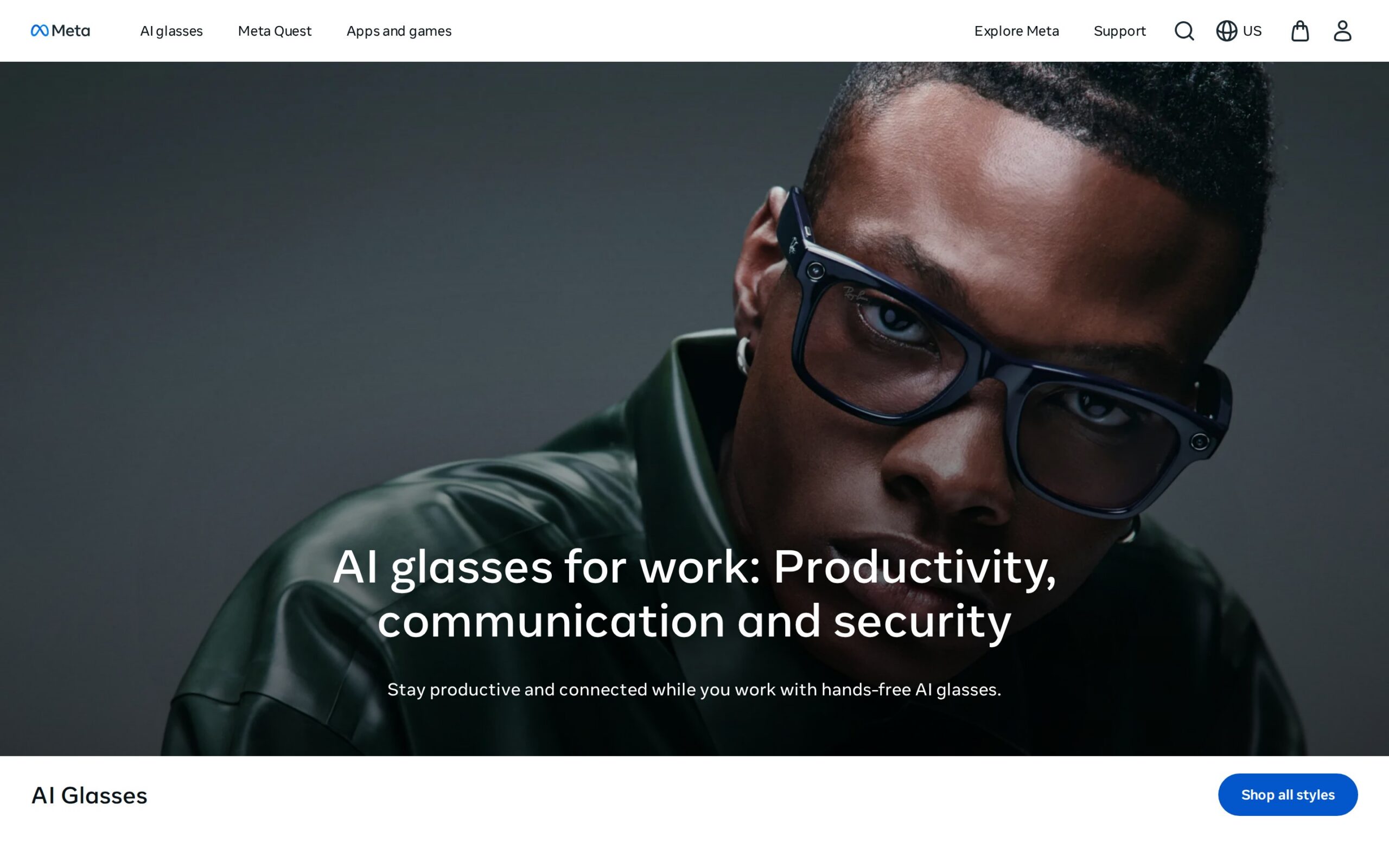
These are ordinary-looking wayfarer frames with a tiny camera tucked into the bridge and a speaker built into each arm — no headset, no visible tell that anything's different. An onboard AI listens and watches through the lenses, translating spoken language in real time and answering spoken questions aloud. Send a field technician to a multilingual job site and they work hands-free, no phone required.
Meta has already shipped more than two million units of this line, which means the manufacturing and supply chain risk that usually kills a first-generation wearable has already been absorbed by someone else. Buy now and you're not the pilot customer — you're catching a category that's proven at volume but still thin on competitors offering real enterprise device management.
Where It Earns Its Keep:
- Collapses multilingual translation delay to something close to zero during a site visit.
- Lets a trainer narrate hands-free while a trainee sees exactly the same view, no camera rig required.
Things To Consider:
- Battery life caps around eight hours — tight for a full shift, let alone overtime.
- All-day comfort requires accessories that cost extra on top of the unit price.
- Availability drops off sharply outside North America and Europe.
- Best For: Field technicians, service reps, and trainers running multilingual operations, from fifty-seat teams up to a few thousand.
- Price & Rollout: Meta won't post a number publicly — pricing comes on request with a five-unit minimum, and institutional discounts kick in above fifty units. The real per-seat cost only shows up once procurement actually calls.
- What It Asks Of IT: Provisioning runs through standard mobile device management, which is a genuine advantage over hardware that needs its own console. Meta stops there, though — there's no documented bulk-provisioning workflow beyond MDM basics.
- Data & Privacy: Audio and visual data process locally on the device, but what happens to it after that depends entirely on how each enterprise wires its own integration. Meta doesn't publish a standing retention policy, which is either a non-issue or a dealbreaker depending on your compliance team.
- Our Verdict: Run a fifty-unit pilot on multilingual field or training work. The shipped volume de-risks the hardware itself; the enterprise tooling around it just hasn't caught up yet.
- Rating: ★★★★☆
- Product page: https://www.meta.com/ai-glasses/best-ai-glasses-for-work/
2. HP EliteBook 8 G2a 16 — AI Laptop
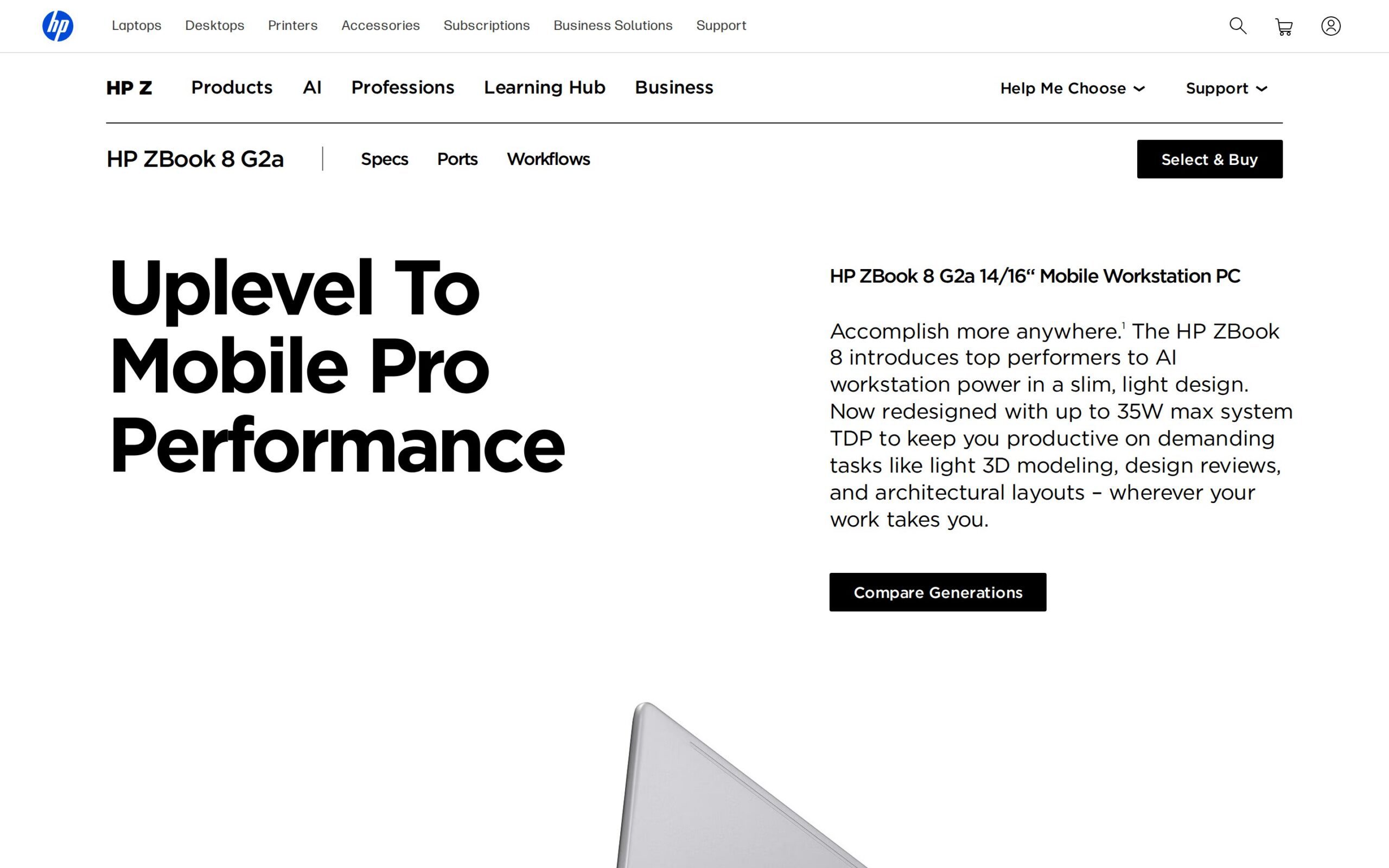
Close the lid and it's indistinguishable from any other business laptop. Open it up and there's a second chip riding alongside the main processor — AMD's AI silicon, built specifically to run models entirely on the machine rather than phoning out to a cloud API. A compliance officer uses it to summarize a contract or flag a problem clause, and the document never leaves the device.
Regulated industries are under real pressure to keep AI auditable and offline, and on-device processing is exactly why procurement teams are choosing this machine over a cloud-tethered Copilot+ rival. The pitch isn't speed. It's that nothing leaves the building.
Where It Earns Its Keep:
- Summarizes contracts without triggering a cloud-vendor compliance review.
- Removes the step of scrubbing sensitive data before running any AI task at all.
Things To Consider:
- The sticker price runs well above a standard business laptop.
- Some of the AI features probably don't justify that premium outside regulated work.
- There's no published benchmark pitting it against cloud-based equivalents.
- Best For: Legal, financial, and other regulated-industry staff at mid-size to large firms where confidentiality isn't negotiable.
- Price & Rollout: Pricing is variable and climbs fast with configuration; enterprise volume discounts exist but only on inquiry. There's no flat number to quote a CFO.
- What It Asks Of IT: It plugs into existing MDM tooling for security, which is standard for a business laptop, but don't expect turnkey deployment out of the box.
- Data & Privacy: On-device processing keeps sensitive data on the machine itself, and HP claims compliance with major regulations. What it doesn't offer is certification specifics — you're taking the claim on faith until your own audit checks it.
- Our Verdict: Issue it to the compliance desk first, not the wider floor. The case for this machine is confidentiality, not speed, and that's a narrow enough argument to test before you scale it.
- Alternative To: Alternative to standard cloud-dependent Copilot+ laptops
- Rating: ★★★★☆
- Product page: https://www.hp.com/us-en/workstations/zbook-8-a.html
3. TicNote Pods Enterprise AI Voice Recorder Earbuds — Notetaker
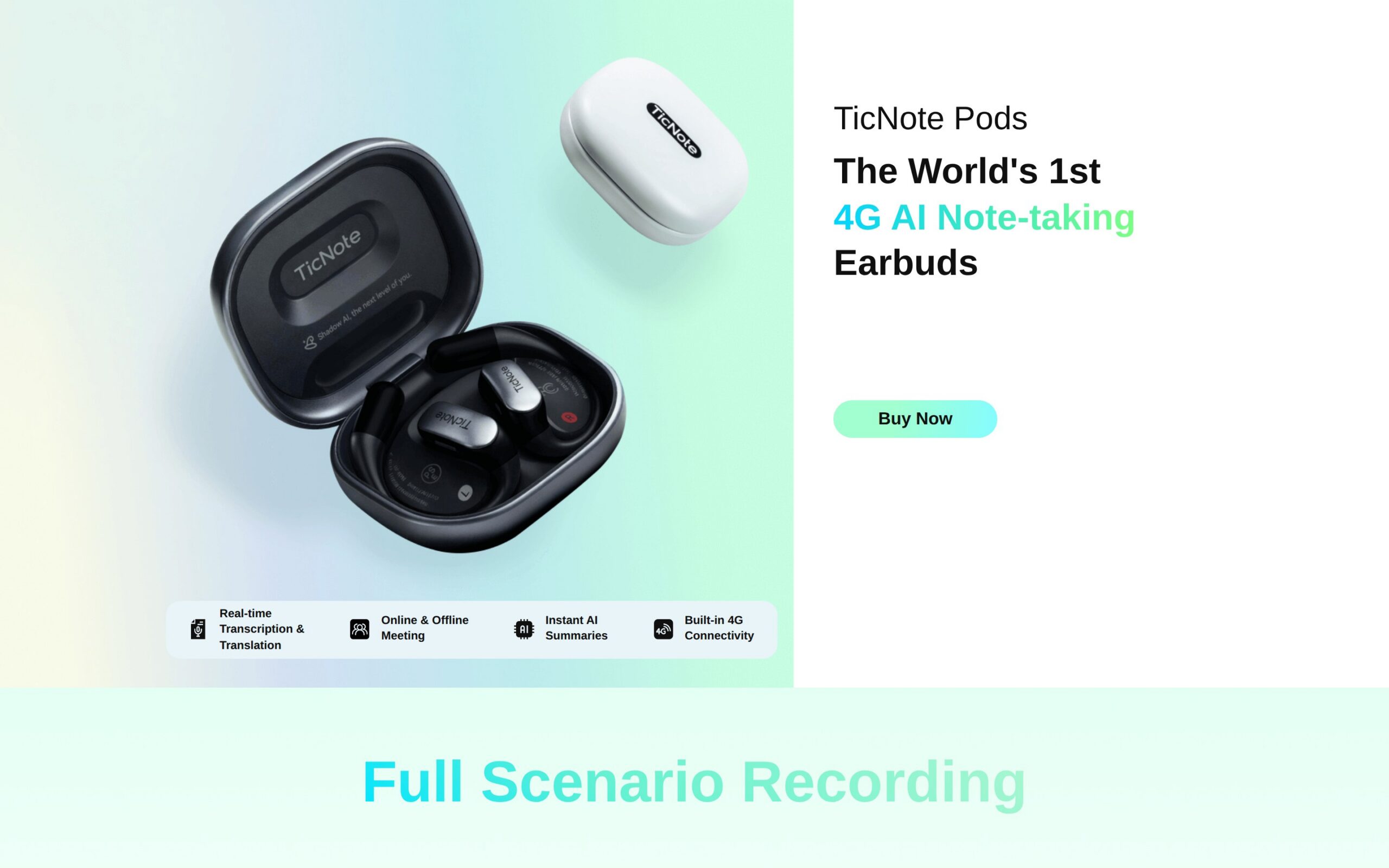
These look and function like any other pair of wireless earbuds, except they double as a recorder — auto-switching between phone calls and in-person meetings to quietly capture audio as you wear them. Someone with back-to-back meetings puts them in at 9 a.m. and walks out at 5 with recordings logged instead of scrawled notes.
What's new here isn't the earbuds — it's the admin console. That's the piece that turns a personal gadget into something IT can actually provision across a team, and it's why buyers are looking at this now instead of a year ago.
Where It Earns Its Keep:
- Converts a day of back-to-back calls into recordings instead of scattered handwritten notes.
- Context-aware recording modes remove the manual step of hitting record before every meeting.
Things To Consider:
- Battery life drops noticeably in certain recording modes.
- This is a recorder, not a transcription platform — don't conflate the two.
- Adoption evidence so far is anecdotal, with no named enterprise clients.
- Best For: Executives and sales teams in meeting-heavy roles, at companies small enough to manage a modest fleet.
- Price & Rollout: Retail runs $249.99 per unit, with bulk pricing available on request. What fifty units actually costs isn't published anywhere.
- What It Asks Of IT: An admin console handles provisioning. How well that scales past a small pilot group is something Mobvoi doesn't detail.
- Data & Privacy: Audio processes and stores on-device by default; cloud integration is optional, not required. That's the right default for a device built to sit in your ear during confidential conversations.
- Our Verdict: Pilot it small, with a meeting-heavy team, and treat it as exactly what it is — a recorder with good battery discipline, not a notetaking platform. The distinction matters until proven otherwise.
- Rating: ★★★☆☆
- Product page: https://www.mobvoi.com/ticnotepods/
4. NVIDIA Jetson Orin NX — Edge AI
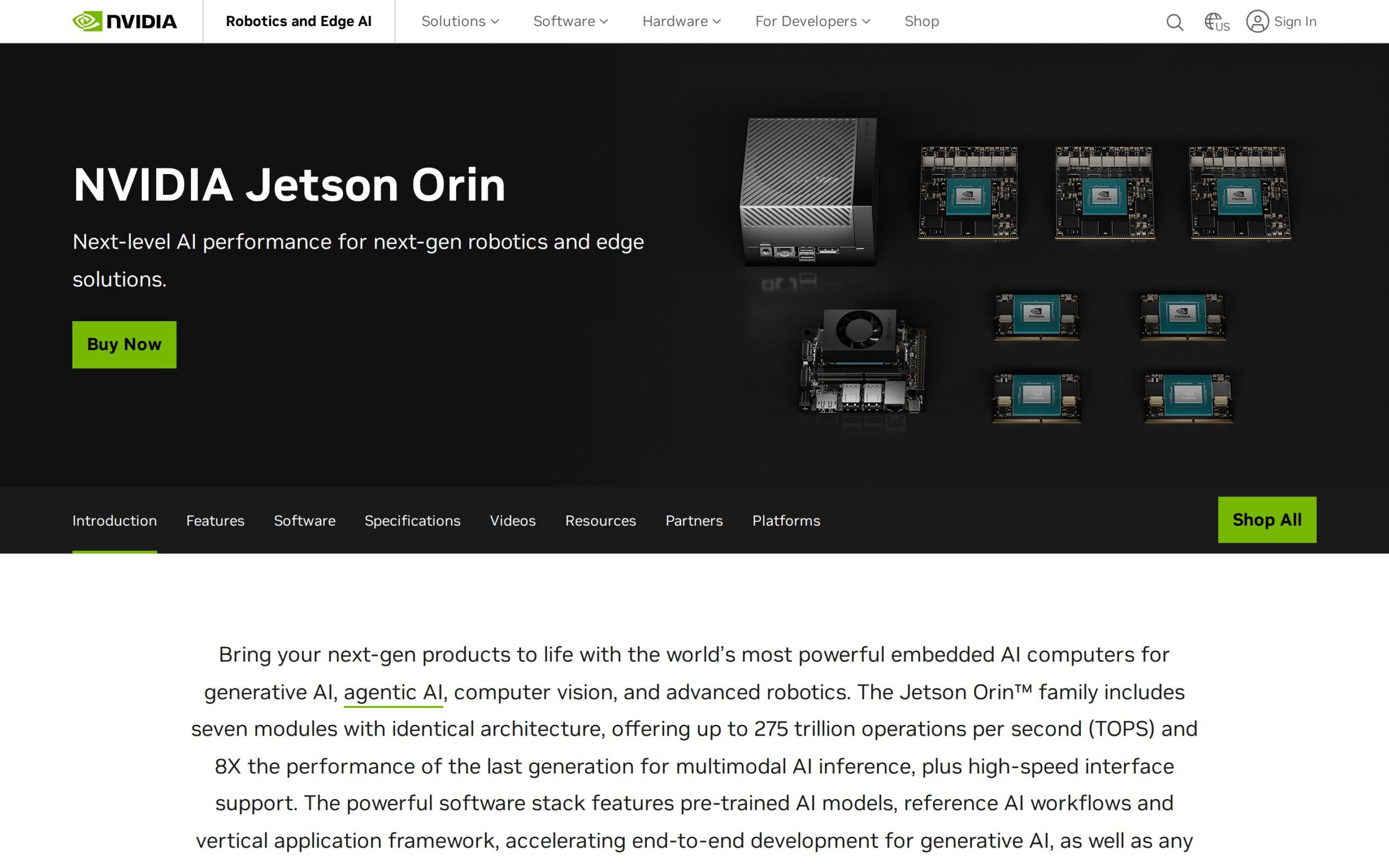
Picture something about the size of a deck of cards, meant to live inside a robot, a camera rig, or a sensor array rather than sit on a desk. It runs AI models locally, at the edge, with no round trip to a data center — which means an engineering team can give a machine real-time vision or sorting logic without touching cloud infrastructure at all.
$599 is the number that matters here. Companies automating physical operations are buying now because that starting price has crossed into territory where a pilot line no longer requires a six-figure compute commitment to test whether an idea works.
Where It Earns Its Keep:
- Runs visual inspection directly on the machine, cutting both latency and network dependence to near zero.
- Lets a small team prototype automation without provisioning cloud infrastructure first.
Things To Consider:
- Requires genuine technical expertise; this is not plug-and-play hardware.
- The interface is minimal and built for engineers, not end users expecting a dashboard.
- The case studies NVIDIA cites are industrial and specific; evidence outside that lane is thin.
- Best For: Engineering and R&D teams building automation at manufacturing or logistics firms with in-house technical staff — not a general-purpose IT buy.
- Price & Rollout: Starts at $599 per module, with volume discounts and custom quotes available for larger deployments.
- What It Asks Of IT: It integrates with major device management systems on paper, but realistically this demands real in-house engineering. This is not a standard IT rollout, and treating it like one is how pilots stall.
- Data & Privacy: Data processes locally on the module, which NVIDIA positions as compliant with industry privacy standards for edge use — a reasonable claim given nothing leaves the device by design.
- Our Verdict: A genuinely early, useful bet for any company with automation ambitions and engineers already on staff. Hand it to a business unit without technical support behind it, though, and it'll sit in a drawer.
- Rating: ★★★★☆
- Product page: https://developer.nvidia.com/embedded/jetson-orin-nx/
5. Tobi Pro 256GB Camera — Meeting Room

This is a wide-angle camera — roughly 230 degrees of coverage — designed to sit at the center of a conference table instead of perching on top of a monitor. It cleans up background noise, reframes automatically as people move around the room, and plugs straight into whatever conferencing software a team already runs.
Hybrid meetings stopped being the exception a while ago; they're just the default now. What buyers want is hardware that fixes video quality without spinning up a parallel IT project, and this asks for almost none.
Where It Earns Its Keep:
- Takes over the manual reframing and audio cleanup usually left to whoever's sitting closest to the laptop.
- Cuts setup time for hybrid meetings through direct integration with existing conferencing tools.
Things To Consider:
- Performance depends on a stable connection; offline function is limited.
- No detail on how footage is handled if it does sync to the cloud.
- Adoption evidence remains anecdotal, without named clients to point to.
- Best For: Remote-heavy teams and project managers at companies of any size running frequent video calls.
- Price & Rollout: Retails around $699 per unit, with enterprise pricing available for larger orders.
- What It Asks Of IT: Direct integration with existing conferencing tools and minimal IT management required — a real edge over most other items on this list, which ask for MDM setup or engineering support.
- Data & Privacy: Video processes locally, with features meant to limit what gets stored externally, though there's no full retention policy published to check that claim against.
- Our Verdict: The easiest yes on this list, if also the most modest one — a low-friction pilot for any team tired of janky video calls.
- Alternative To: Alternative to standard webcam and conferencing camera setups
- Rating: ★★★☆☆
- Product page: https://tobi.com
6. Dell Latitude 7455 — AI Laptop
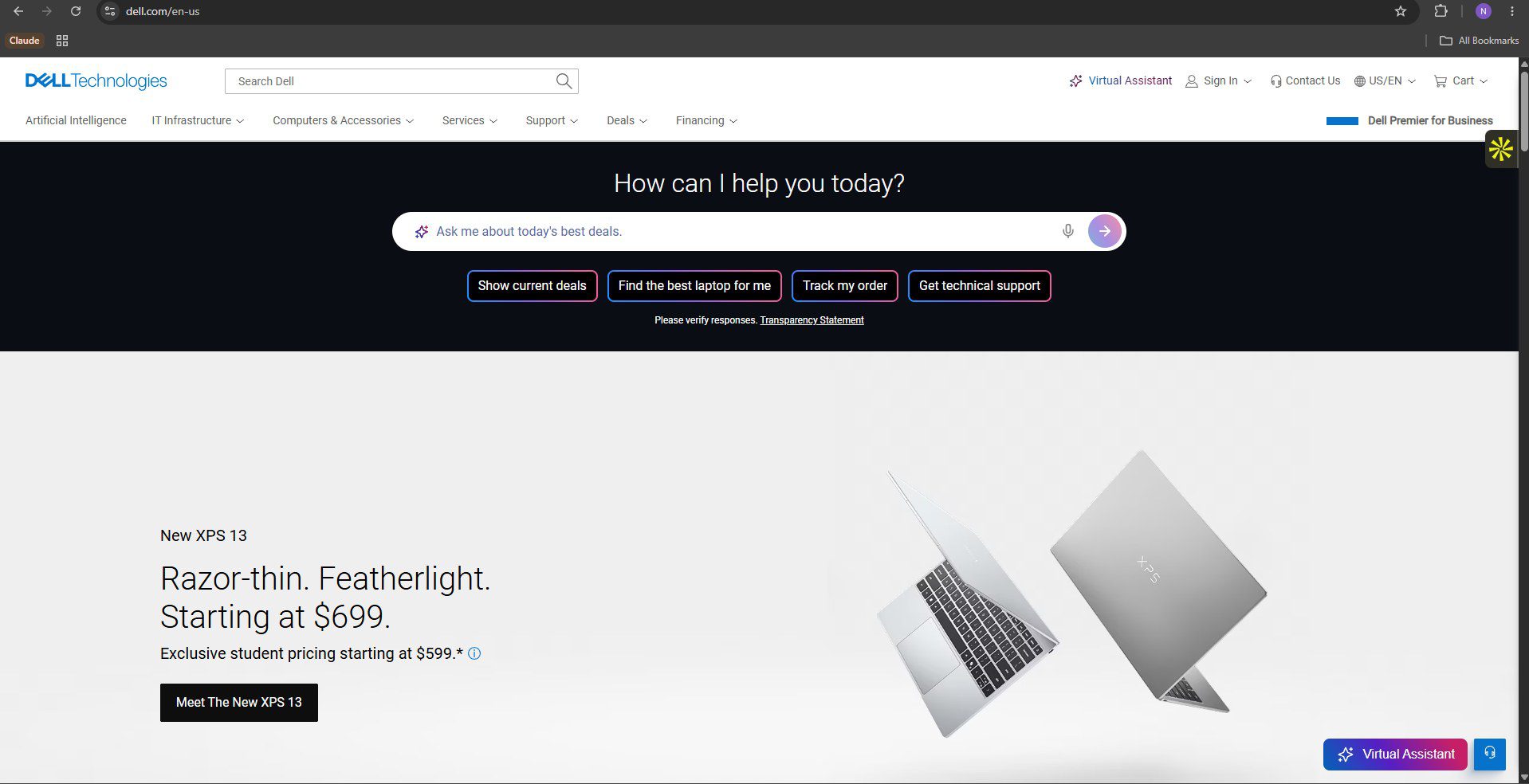
This laptop runs on a Snapdragon chip built for phones, not the Intel or AMD silicon you'd expect in a business machine, paired with a dedicated NPU for AI tasks that sips power instead of draining it. A field or remote worker keeps AI features running through an entire travel day without the battery hit that comes from leaning on cloud processing.
ARM-based business laptops have only recently reached the point where mainstream business software runs reliably on them, which is exactly why buyers are testing this now instead of waiting for the next refresh cycle.
Where It Earns Its Keep:
- Keeps AI-assisted tasks running on-device through long travel days without constant charging.
- Draws meaningfully less power than the same workloads running on a traditional x86 chip.
Things To Consider:
- ARM architecture still trips over some legacy enterprise software.
- Battery life may not hold up under heavy load despite the pitch.
- The pilot evidence cited comes from unnamed multinationals — take it as directional, not verified.
- Best For: Field workers and remote teams at multinational firms who care more about battery life than raw desktop horsepower.
- Price & Rollout: Starts around $1,399, with enterprise pricing available on inquiry rather than published outright.
- What It Asks Of IT: Compatible with Intune and standard admin tools — straightforward for any IT team already living on Microsoft's stack.
- Data & Privacy: Local processing keeps sensitive data on the device with compliance options attached, though Dell doesn't spell out certification specifics beyond that.
- Our Verdict: Test it with a small group of road warriors before committing a fleet. The software compatibility risk here is real enough to earn that caution.
- Alternative To: Alternative to traditional x86 business laptops
- Rating: ★★★☆☆
- Product page: https://www.dell.com/en-us/work/shop/dell-laptops/latitude-7455-laptop/spd/latitude-7455-laptop
7. Google Pixel 8 — Mobile Device
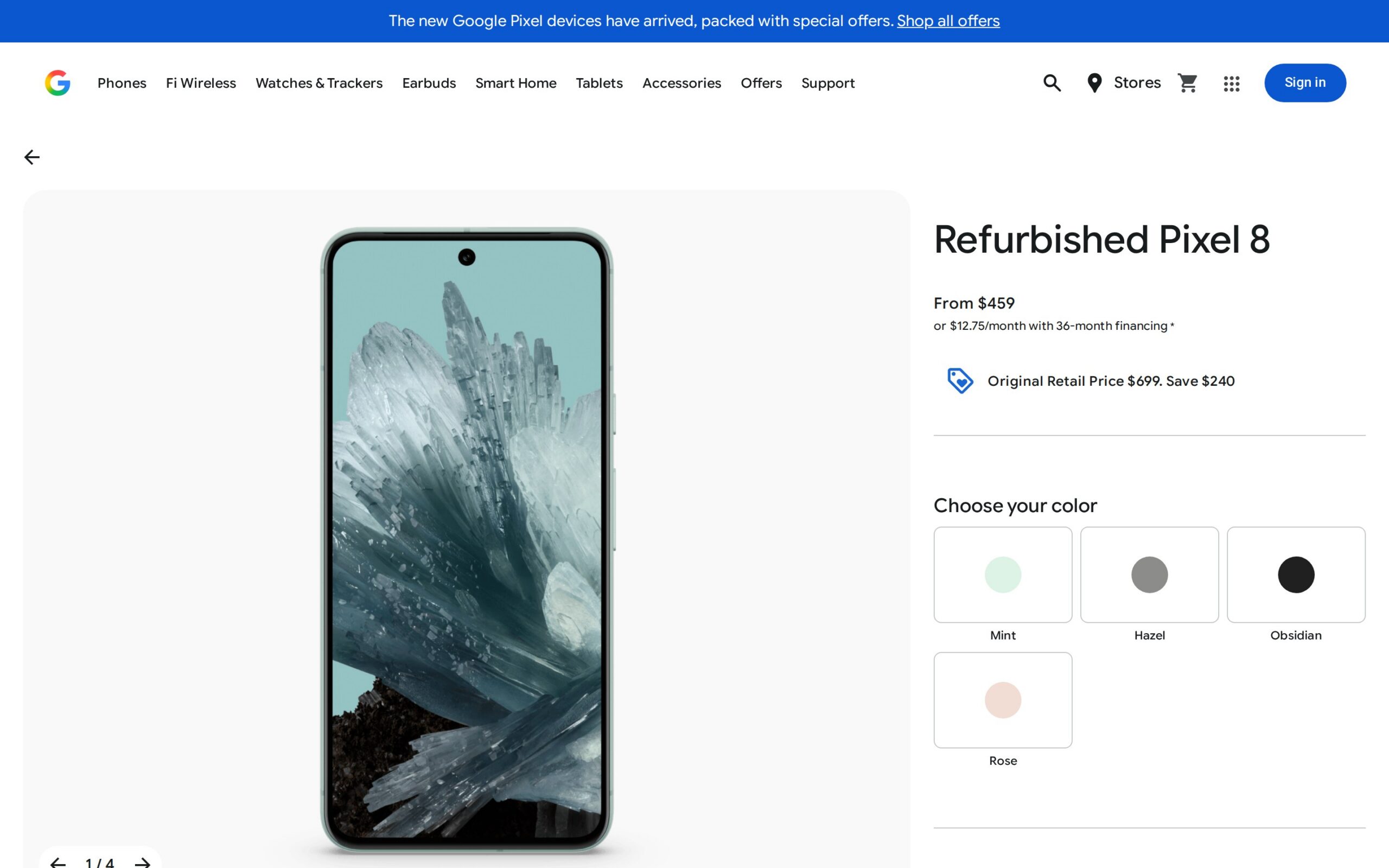
From the outside this is just an Android phone. What's different is that real-time translation, photo enhancement, and voice assistance all run through on-device AI rather than a separate app calling out to a server. A sales rep uses it exactly like any other phone — the difference only shows up when the translation and camera help keep working without a live data connection.
On-device AI on a mainstream phone has finally matured to the point where enterprises don't need custom hardware to get useful AI into a rep's pocket. The appeal, oddly, is that it doesn't feel like a new category — it's just a phone.
Where It Earns Its Keep:
- Handles real-time translation for reps crossing language barriers without a second device.
- Runs photo and voice enhancement locally for field documentation, skipping the cloud lag.
Things To Consider:
- Battery life lags some rivals under heavy AI use.
- Software updates have reportedly caused temporary fleet issues.
- Adoption evidence is limited to unnamed regional sales teams.
- Best For: Sales reps, field workers, and managers at mid-sized tech and retail firms already running Android fleets.
- Price & Rollout: Starts at $699, with bulk discounts for orders over twenty devices — though exact pricing still needs a quote.
- What It Asks Of IT: Managed through Google Workspace Admin Console with SSO and MDM support built in — a genuinely mature story compared to most of the newer device categories on this list.
- Data & Privacy: Most processing happens on-device, with options to limit what gets stored in the cloud, and Google states compliance with major privacy rules.
- Our Verdict: The safest, least dramatic pick on this list. Fine for a sales floor, not a category-definer — and there's nothing wrong with that.
- Rating: ★★★☆☆
- Product page: https://store.google.com/US/product/pixel_8?hl=en-US
8. Galaxy Book6 Enterprise Edition — AI Laptop
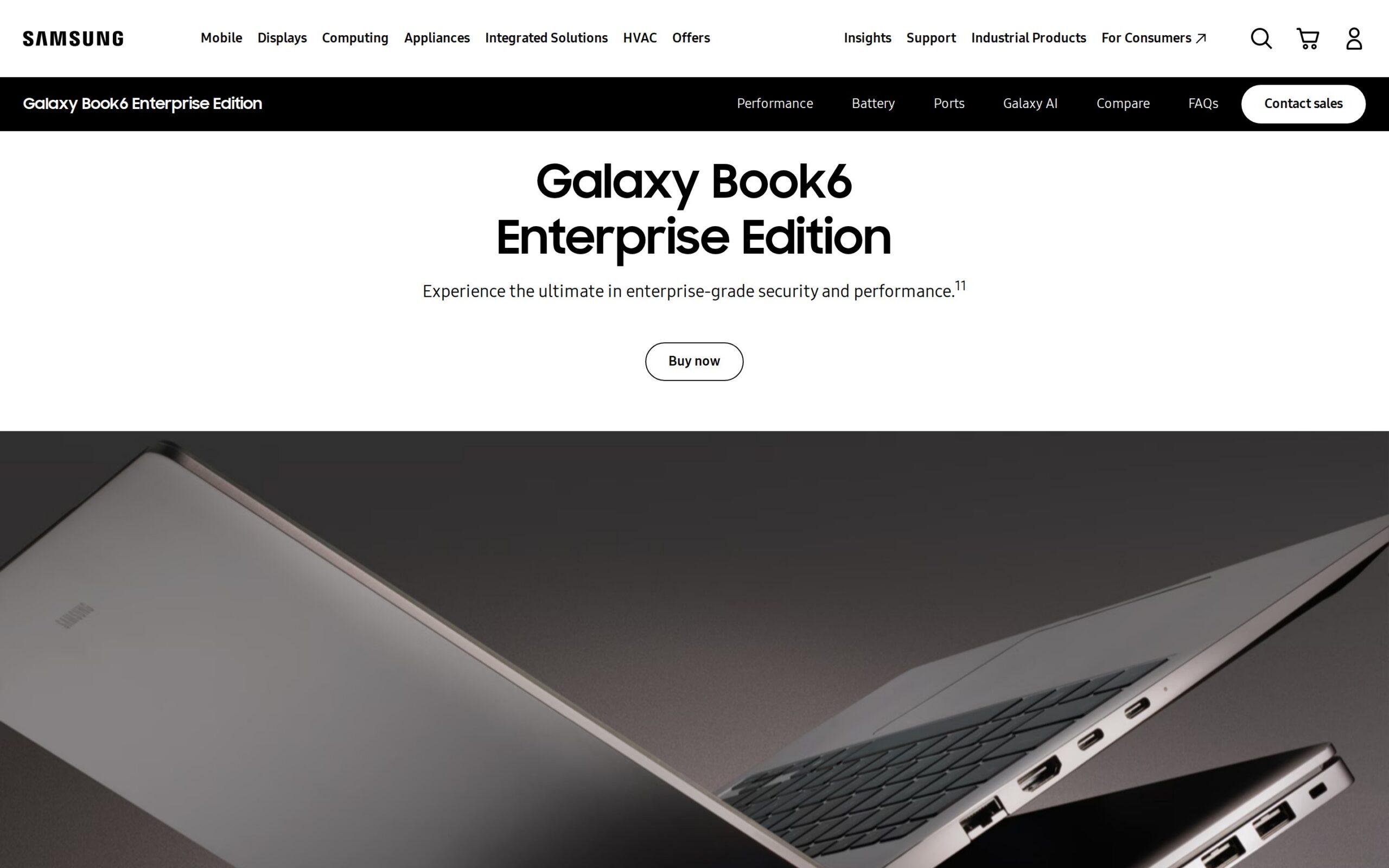
Another business laptop, this one Samsung's, built around an Intel chip with a dedicated NPU and aimed squarely at IT departments managing large fleets rather than individual buyers. It handles translation and summarization locally, and supports custom OS imaging so a fleet gets provisioned to spec instead of one machine at a time.
Samsung pitched this as fleet-management-first, which is the argument IT leaders actually care about — not the AI demo, but imaging at scale. Whether that pitch has actually shipped is a separate question, and as of this writing it's an open one.
Where It Earns Its Keep:
- Custom OS imaging and asset tagging cut setup time per device across a large fleet.
- Local AI processing for translation sidesteps per-seat cloud AI licensing costs.
Things To Consider:
- The April 2026 rollout date has passed without public confirmation of shipping status.
- No published pricing makes budget planning difficult before a formal inquiry.
- Samsung states no specific limitations — usually a sign none have been tested publicly, not that none exist.
- Best For: IT departments at large enterprises managing hundreds or thousands of devices — assuming it ships as described.
- Price & Rollout: Samsung hasn't published pricing; it requires an enterprise inquiry. The device was scheduled to deploy in select markets starting April 2026 — a date that has now passed with no confirmed update on availability.
- What It Asks Of IT: Supports custom OS imaging and asset tagging, exactly what a large IT department needs — assuming the tooling matches the pitch once units actually ship.
- Data & Privacy: Processing happens locally, which Samsung frames as reducing cloud reliance for sensitive tasks. No detailed retention or certification policy is published to back that framing up.
- Our Verdict: Hold off until Samsung confirms this actually shipped. The pitch suits large IT fleets fine; a missed ship date with no public update is reason enough to wait for a second signal before piloting.
- Alternative To: Alternative to Lenovo and HP enterprise fleet laptops
- Rating: ★★☆☆☆
- Product page: https://www.samsung.com/us/business/computers/galaxy-book6-enterprise-edition/
None of these earn a blanket rollout, and that's by design. The real signal is where genuine early advantage sits: multilingual glasses with two million units already in the wild, an edge module cheap enough at $599 to fail fast, a laptop pitched on confidentiality rather than raw speed. Everything else here is solid infrastructure, not a bet — budget for it accordingly, and treat any vendor's silence on data retention as an answer, not an oversight.
Frequently asked questions
What are the key features of the Ray-Ban Meta Gen 2 AI Glasses?
The Ray-Ban Meta Gen 2 AI Glasses offer real-time multilingual translation and hands-free operation, making them ideal for field technicians on multilingual job sites. However, they have a battery life of about eight hours, which may limit their use during full shifts.
Which laptop is best for compliance-heavy industries?
The HP EliteBook 8 G2a 16 is particularly suited for compliance-heavy industries as it processes documents on-device, ensuring sensitive information remains confidential and does not require cloud interaction.
What are TicNote Pods, and how do they function?
TicNote Pods are wireless earbuds that double as voice recorders, capturing audio from meetings without the need for manual recording. They are designed for professionals who attend numerous meetings but are not meant for transcription.
What makes the NVIDIA Jetson Orin NX appealing for automation?
The NVIDIA Jetson Orin NX is compact and operates on AI models locally, which enables real-time processing in applications like visual inspection, making it appealing for R&D teams looking to automate without relying on cloud infrastructure.
Why are caution and pilot programs suggested for these gadgets?
Caution is emphasized because none of the gadgets are ready for wide-scale rollout; they each have specific dependencies, data privacy concerns, and procurement hurdles that require careful evaluation in pilot programs before broader adoption.