

The article reviews the top 10 AI tools for marketing leaders, focusing on platforms that can be effectively utilized in real-world applications rather than demos. It covers various aspects such as pricing, governance, and integration, highlighting tools suited for different team sizes and marketing needs.
- The article lists 10 practical AI tools suitable for marketing teams of various sizes.
- Key tools include HubSpot, Agent A by Ahrefs, Canva, and Salesforce Einstein, each offering unique functionalities.
- Pricing transparency and governance considerations are emphasized in evaluating these tools.
This month we look at the best AI tools marketing leaders can actually put to work this quarter — not demos, but platforms worth defending in a budget review. The list runs from email and CRM automation through content and SEO agents to creative suites, sized for teams from five people to five hundred. Pricing and governance get treated here as buying criteria, not footnotes.
1. HubSpot — Marketing Automation
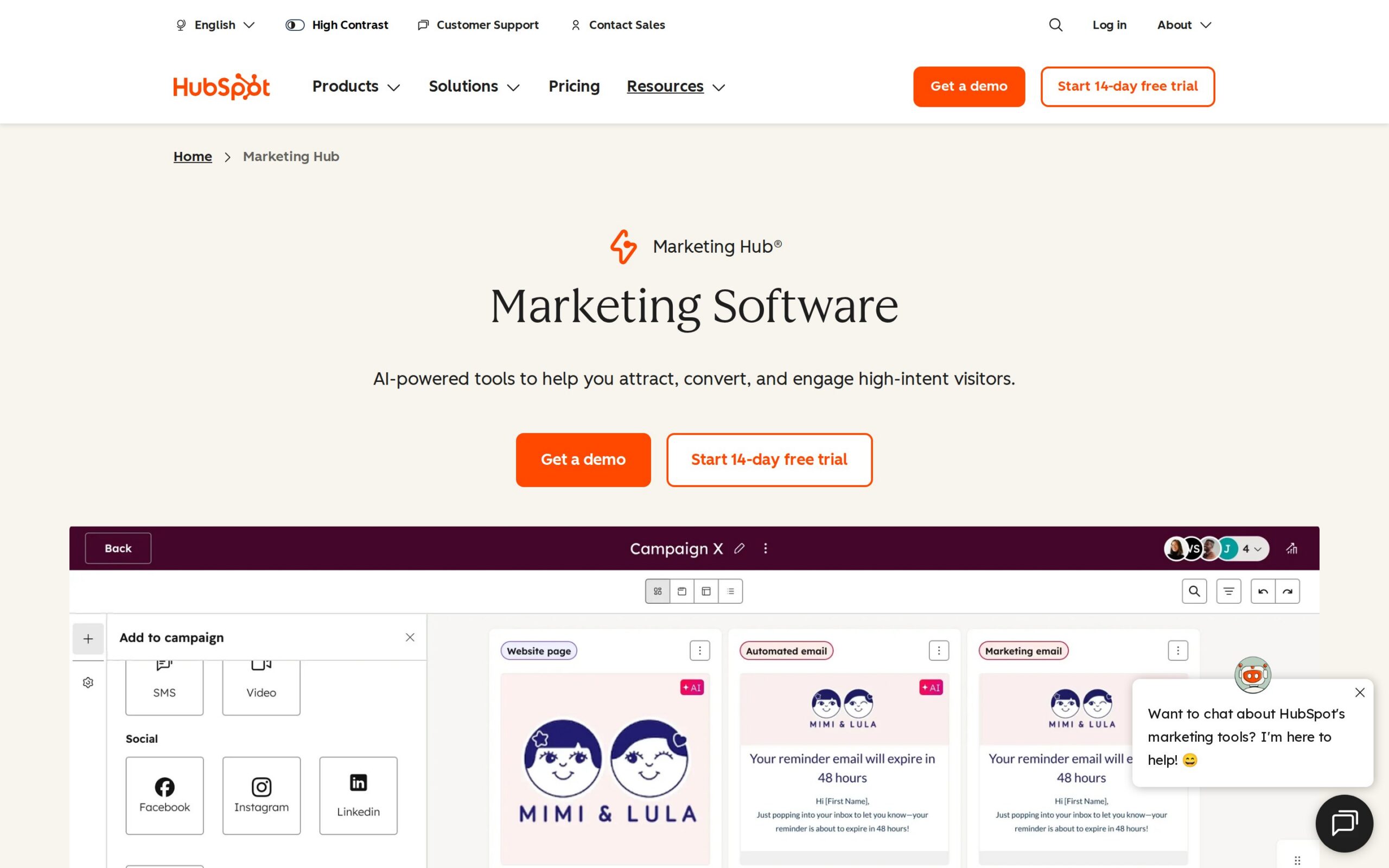
Marketing teams have long run email, lead tracking and reporting as separate systems, each with its own login. HubSpot brings all of that under one roof, and its AI layer takes over the sorting — ranking leads, flagging who's ready for a call — that used to live in a spreadsheet. A lead can move from anonymous visitor to sales-ready contact without anyone manually updating anything.
Where It Saves Time:
- Lead scoring and follow-up sequencing run automatically, no more spreadsheet tracking.
- Campaign reporting that used to take a day now lives on a dashboard, updated in real time.
- Best For: Best suited to marketing leaders running teams of 50 or more who'd rather run one platform than stitch together five.
- Pricing: There's a free tier, Starter begins at $20 per seat monthly, Professional from $890 a month, and Enterprise from $3,600 a month.
- Fits Your Stack: It integrates broadly across CRM and CMS platforms, and tends to become the hub everything else plugs into.
- Data & Governance: It complies with data regulations and offers admin audit controls.
- Watch Out: The jump between tiers is steep, and AI-generated output still wants a human editor before it goes out.
- Our Verdict: The safe default for a mid-size organisation standardising its stack. Model the Starter-to-Professional jump carefully before signing anything.
- Rating: ★★★★★
- Visit site: https://www.hubspot.com/products/marketing
2. Agent A by Ahrefs — SEO/Content Agent
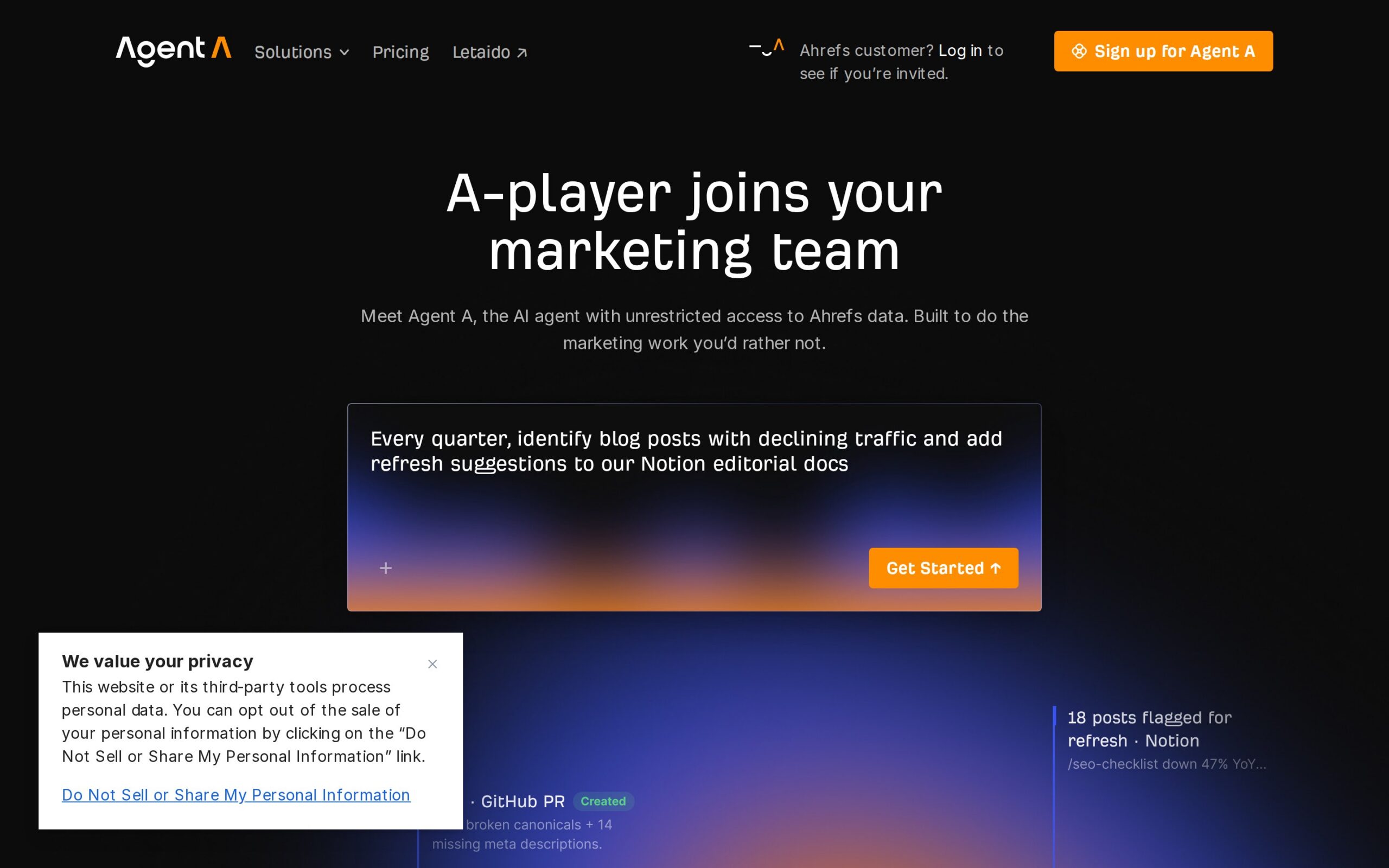
Agent A sits on top of Ahrefs' SEO data and behaves less like a dashboard than a colleague you can ask to do something. Tell it to turn a keyword gap into a first-draft content brief, or a ranking report into a client email, and it writes that first version itself, using live data rather than a static export. It's designed to work inside the tools a content team already has open, rather than adding another one.
Where It Saves Time:
- Keyword research becomes a draft content brief in minutes, not a day's work.
- No more copying data by hand between Ahrefs and reports in Notion, Slack or HubSpot.
- Best For: Content and SEO leads on teams of five to 30 are the target here, especially anyone tired of per-seat pricing.
- Pricing: $99 a month flat, unlimited users — unusually generous against competitors who charge per seat.
- Fits Your Stack: It connects to Notion, Slack, HubSpot and Semrush, though it's only ever as good as your underlying Ahrefs plan.
- Data & Governance: Data access is capped by whatever Ahrefs plan you're already paying for.
- Watch Out: Anything strategically complex still wants a human editor, and the whole tool is only as valuable as the Ahrefs subscription it sits on top of.
- Our Verdict: That seat-free pricing is rare enough to make this an easy pilot for any content team already paying for Ahrefs.
- Rating: ★★★★★
- Visit site: https://ahrefs.com/agent-a
3. Canva — Design Platform
Producing a social graphic or a one-page document without a trained designer on staff used to mean hunting for stock photos and wrestling with templates. Canva turns that into software anyone can drive, and its AI features now generate a usable first draft — a graphic, a caption, a layout — straight from a prompt. It's built for non-designers, which is exactly why it moves fast on simple assets and struggles once brand consistency starts to matter.
Where It Saves Time:
- Social graphics move from a design queue to same-day turnaround.
- Built-in AI generation replaces the usual stock-photo hunt.
- Best For: Fits small marketing or content teams of two to 15 who need fast, on-brand visuals without hiring design specialists.
- Pricing: There's a free tier, Pro runs $12.99 a month per user, and Enterprise is priced on request.
- Fits Your Stack: APIs cover the major social platforms and CMS tools, though it was never built for deep martech workflows.
- Data & Governance: It includes data privacy controls and user-generated content policies.
- Watch Out: Complex, brand-heavy design work still needs a trained designer, and support can be slow when something breaks.
- Our Verdict: Solid for volume and speed on simple assets; it won't replace your brand design function.
- Rating: ★★★★☆
- Visit site: https://www.canva.com
4. Adobe Creative Cloud with AI Features — Creative Suite
Adobe's Creative Cloud is the professional toolkit designers and video editors have relied on for years, and its AI additions are aimed at the repetitive parts of that work rather than the creative decisions. Resizing an asset for ten formats, retouching a batch of photos, or cutting down raw video footage now largely runs itself. It still assumes someone on the team already knows how to use the software; the AI speeds up production, it doesn't teach design.
Where It Saves Time:
- Repetitive photo editing and asset resizing now run themselves.
- AI-assisted editing speeds up the video work that used to eat hours.
- Best For: Built for larger creative or brand teams of 20-plus that already run an in-house design function.
- Pricing: Individual plans start at $20.99 a month; team pricing climbs higher per seat.
- Fits Your Stack: It integrates with marketing platforms and existing workflows, but this is a creative ecosystem, not an automation hub.
- Data & Governance: It's SOC 2 compliant and adheres to standard data protection rules.
- Watch Out: The subscription cost adds up fast across a team, and the learning curve punishes anyone who hasn't trained on it.
- Our Verdict: Worth it only if creative production is a genuine bottleneck, not a nice-to-have.
- Rating: ★★★★☆
- Visit site: https://www.adobe.com/creativecloud.html
5. Salesforce Einstein — CRM AI
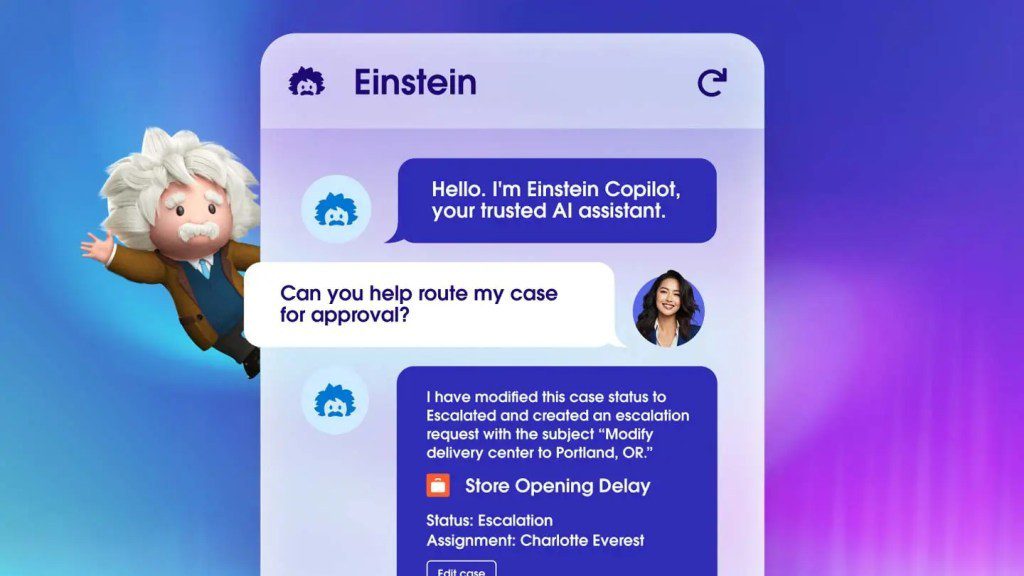
Salesforce Einstein isn't a separate product so much as an AI layer built into the CRM a sales and marketing team already runs. It scores leads automatically and suggests a next action — an email, a call, a specific offer — based on the customer data already sitting in Salesforce records. None of that intelligence travels with the data if the team ever leaves the platform; it works because the data already lives there.
Where It Saves Time:
- Manual lead prioritisation gets replaced by automated scoring.
- Propensity signals surface directly inside CRM records, ready for targeting.
- Best For: Best for marketing leaders at enterprises already running Salesforce who want AI layered onto data they already own.
- Pricing: Included across various Salesforce plans, with pricing varying by edition and add-on.
- Fits Your Stack: It's native to Salesforce, and its value drops sharply the moment you step outside that ecosystem.
- Data & Governance: It runs on secure data protocols and is GDPR compliant.
- Watch Out: Cost escalates with plan tier, and none of it helps if you're not already committed to Salesforce.
- Our Verdict: A strong reason to stay on Salesforce, not a reason to switch to it.
- Rating: ★★★★☆
- Visit site: https://www.salesforce.com/products/einstein/overview/
6. ActiveCampaign — CX Automation
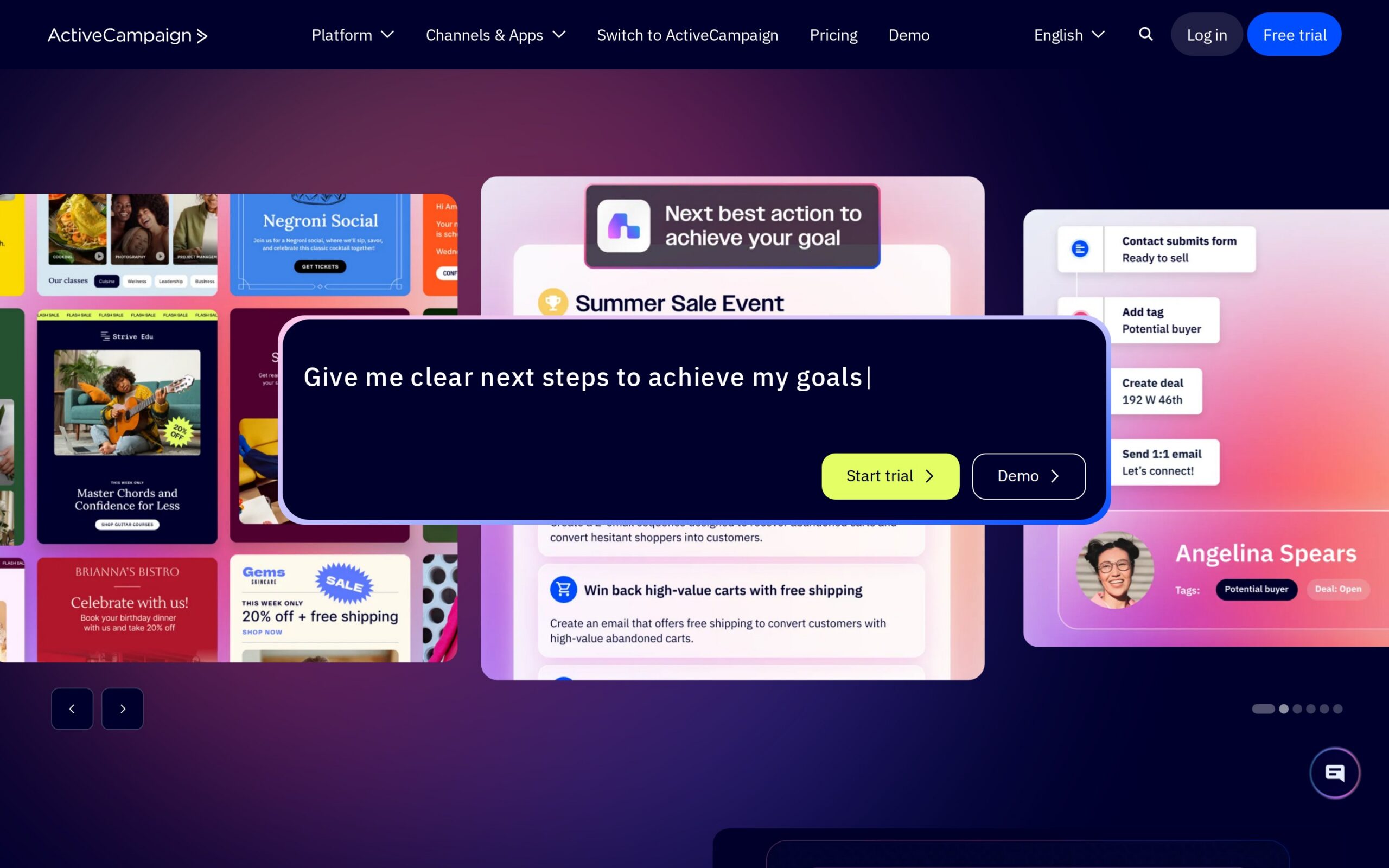
ActiveCampaign bundles email marketing, automation and a CRM into one system, aimed at teams that have outgrown a basic email tool but don't want Salesforce-level complexity. Its automation builds segmented follow-up sequences — different messages depending on what a contact clicks or buys — without anyone constructing them by hand each time a campaign runs. The CRM underneath is there to smooth the handoff from marketing to sales, not to replace a dedicated sales platform.
Where It Saves Time:
- Segmented follow-up sequences that used to be built by hand now run automatically.
- The built-in CRM cuts the friction out of marketing-to-sales handoff.
- Best For: Suited to marketing leaders at small-to-mid businesses of five to 50 people who need automation beyond email without enterprise pricing.
- Pricing: Plans start at $9 a month, though the automation and CRM features that justify the purchase sit behind higher tiers.
- Fits Your Stack: It integrates with the major e-commerce and CRM systems, a decent fit for teams not already on HubSpot or Salesforce.
- Data & Governance: It meets data privacy regulations and standard security requirements.
- Watch Out: Entry pricing is something of a teaser; the features worth paying for live in the pricier plans.
- Our Verdict: A reasonable HubSpot alternative for teams that don't need the enterprise weight.
- Rating: ★★★☆☆
- Visit site: https://www.activecampaign.com
7. Zapier — Workflow Automation
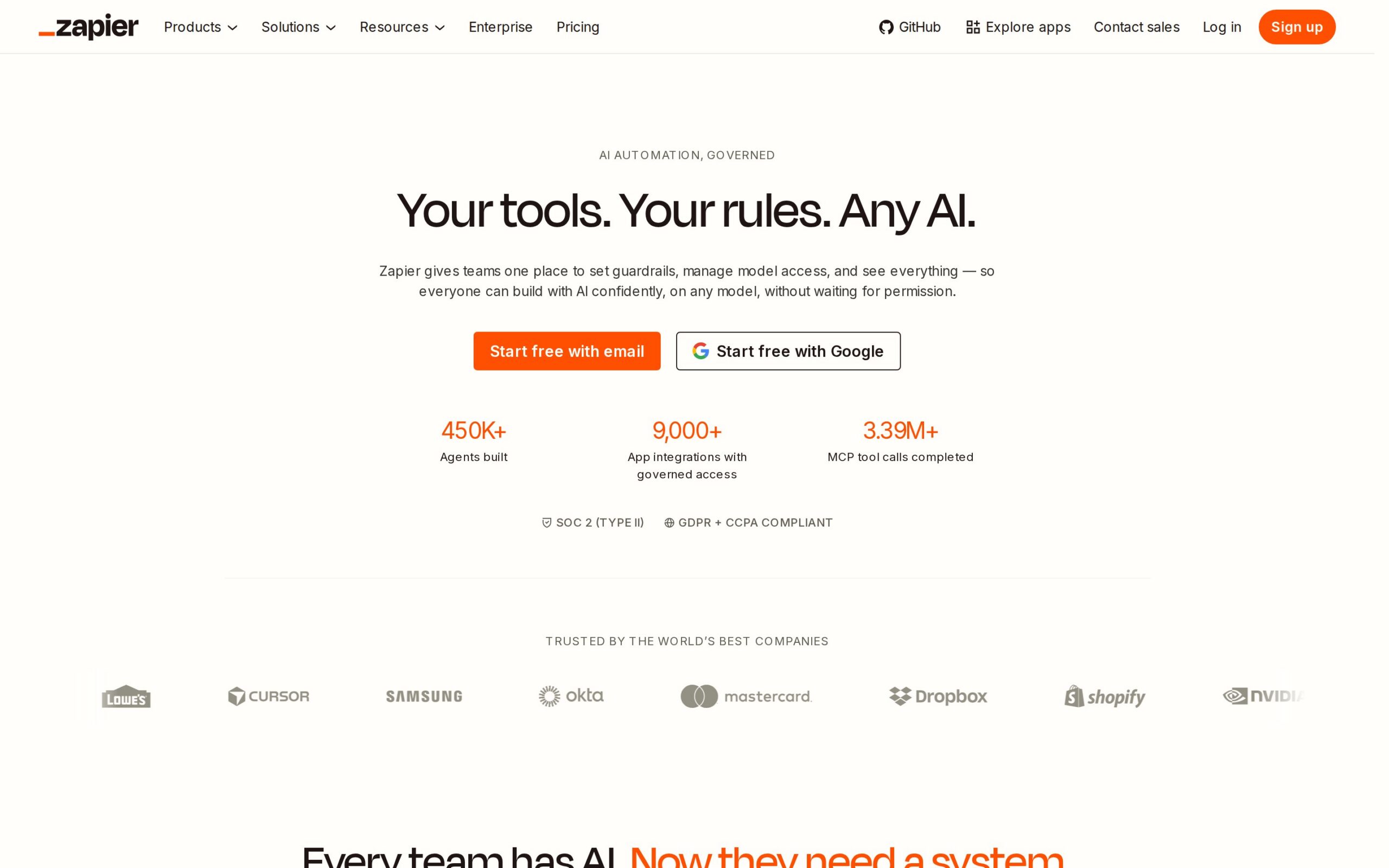
Most marketing stacks are made up of tools that don't naturally talk to each other — an ad platform, a spreadsheet, a CRM, a Slack channel. Zapier is the connective layer that moves data between them automatically, triggering one action when another happens, so nobody is left copying numbers from a dashboard into a report by hand. It doesn't do any marketing work itself; it removes the manual joins between everything else that does.
Where It Saves Time:
- Manual data transfer between ad platforms and reporting sheets disappears entirely.
- Multi-step handoffs collapse into a single automated trigger.
- Best For: Fits operations-minded marketing leads on teams of any size trying to stitch together tools that don't talk to each other.
- Pricing: There's a free tier; paid plans start at $19.99 a month.
- Fits Your Stack: It connects to more than 3,000 apps — the connective tissue for almost any stack — though it does no marketing work itself.
- Data & Governance: It follows standard data security best practice.
- Watch Out: Complex, multi-step automations take real setup time, and the interface trips up non-technical users.
- Our Verdict: Less a marketing tool than the plumbing that makes your other marketing tools work together.
- Rating: ★★★☆☆
- Visit site: https://zapier.com
8. Mailchimp — Email Marketing
Mailchimp started as, and remains built around, email campaigns and subscriber lists, with AI now helping write subject lines, generate copy variants and assemble automated sequences. A welcome series or a re-engagement email that once had to be built step by step now runs on its own once it's set up. It works best as a team's first proper marketing tool, built around one channel rather than acting as a hub for everything else.
Where It Saves Time:
- Welcome and re-engagement sequences that were once built one at a time now run automatically.
- Subject-line and copy variant testing moves noticeably faster.
- Best For: Aimed at small business marketing leaders of one to ten people running email as their primary channel without a dedicated MarTech budget.
- Pricing: There's a free tier; Essentials plans start at $13 a month.
- Fits Your Stack: It works with the major e-commerce and social platforms, though the depth thins out fast against dedicated automation platforms.
- Data & Governance: It follows standard data handling practice with user data controls in place.
- Watch Out: The lower tiers strip out enough features that growing teams tend to outgrow it faster than they expect.
- Our Verdict: Fine as a starting point, but have the migration conversation before the list outgrows the plan.
- Rating: ★★★☆☆
- Visit site: https://mailchimp.com
9. Juma — Task Automation
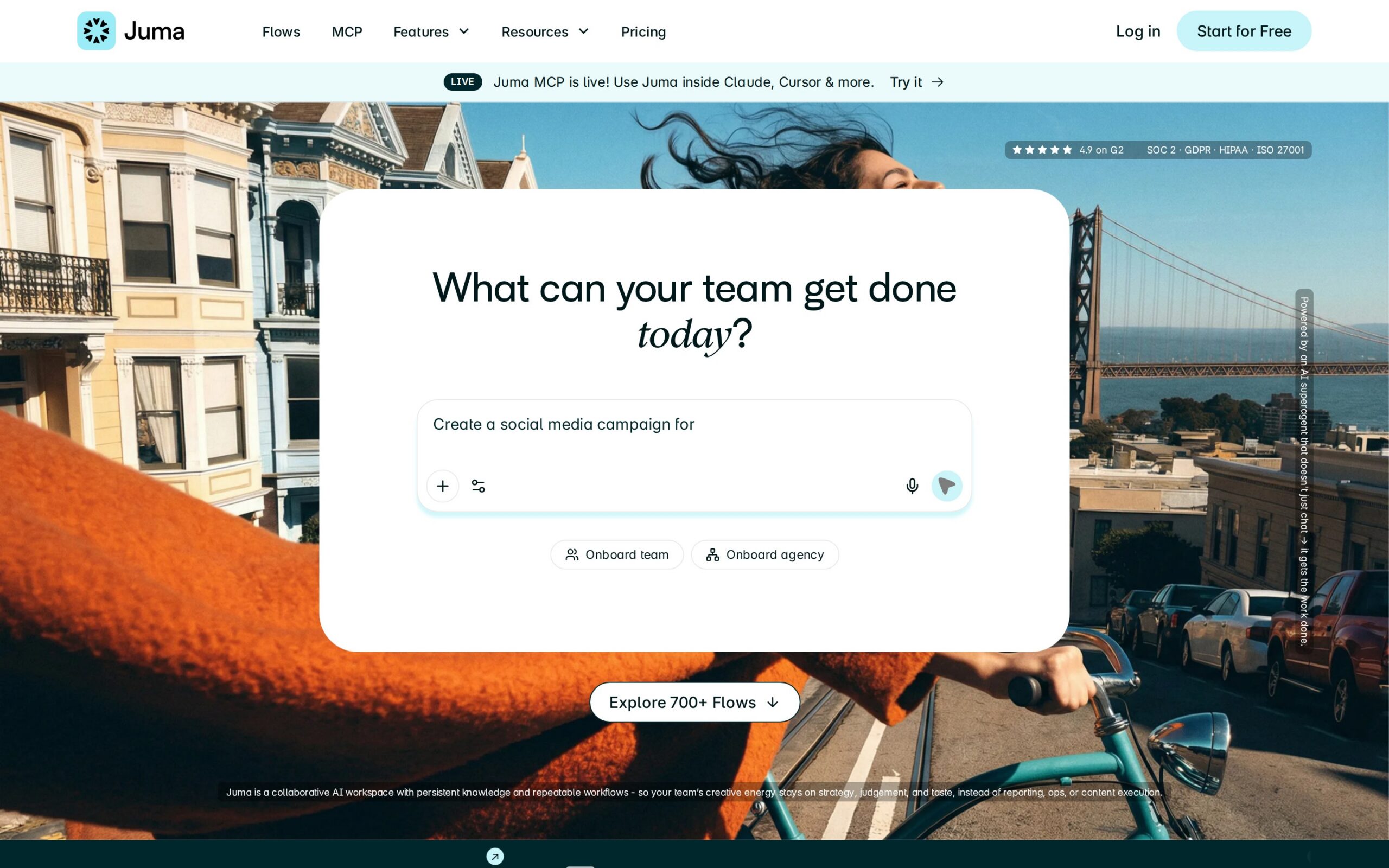
Juma runs on pre-built automation flows rather than a blank canvas: pick a template for a recurring report and it pulls the data from wherever it's connected and assembles the finished document. That removes the afternoon someone used to spend copying numbers and screenshots into a deck by hand. The trade-off is that it only works within those templates; anything unusual still needs a custom build.
Where It Saves Time:
- Recurring report-building that used to eat an afternoon a week now runs itself.
- Manual asset assembly across Drive, Notion and ad platforms disappears.
- Best For: Best for small marketing teams or agencies under 20 people juggling recurring reporting across multiple clients.
- Pricing: Free to start; Pro plans from $49 a month.
- Fits Your Stack: It integrates with Google Drive, Notion, HubSpot, Meta Ads and Google Ads.
- Data & Governance: SOC 2, GDPR, HIPAA and ISO 27001 compliant with zero data retention — notable for any agency holding client data.
- Watch Out: It's locked into predefined flows, so anything outside the template set means custom build work.
- Our Verdict: A tidy fit for agencies with repeatable reporting needs, less so for anyone running bespoke workflows.
- Rating: ★★★☆☆
- Visit site: https://juma.ai/
10. ChatGPT for Marketing — General AI Assistant
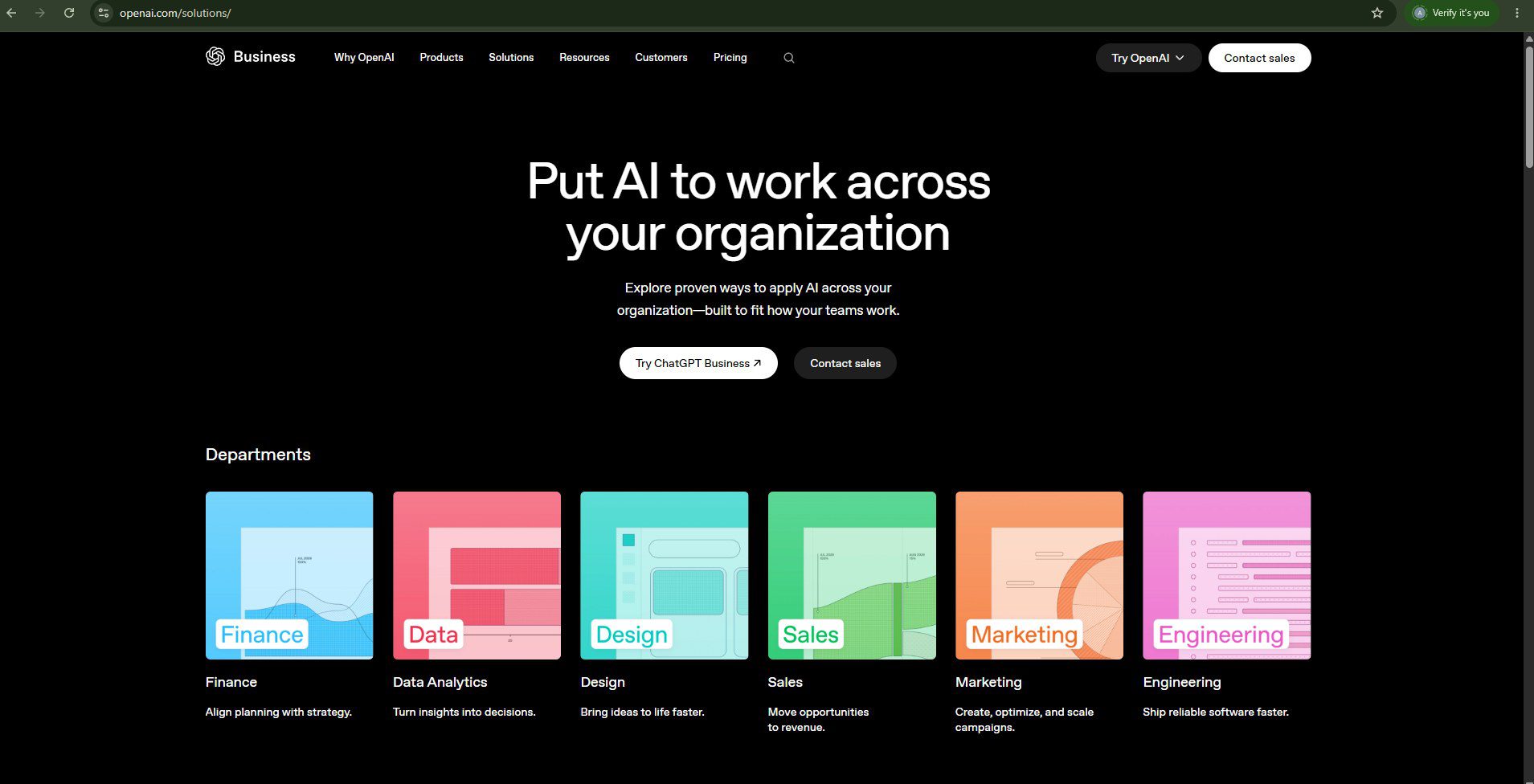
Ask it to draft an email, brainstorm campaign angles or produce ten variants of an ad, and ChatGPT answers in conversation rather than through dedicated marketing screens. That flexibility is the whole pitch: no dedicated platform, just a chat window a marketer can turn to for whatever needs writing that day. It doesn't know a brand's voice or its CRM data unless someone explains it each time, so every draft still wants a human pass before it goes out.
Where It Saves Time:
- First-draft time on emails and social copy drops from an hour to minutes.
- Campaign brainstorming speeds up without waiting on an agency.
- Best For: Works for marketing leaders on teams of any size who need a flexible drafting tool rather than a dedicated platform.
- Pricing: There's a free version; the Plus subscription runs $20 a month.
- Fits Your Stack: It integrates via API into existing tools, but isn't purpose-built for any single marketing workflow.
- Data & Governance: Customer data isn't used for training without explicit consent.
- Watch Out: Output quality depends heavily on the quality of the prompt, and every draft still needs a human review pass.
- Our Verdict: A useful general assistant, but no substitute for a dedicated content or automation platform.
- Rating: ★★★☆☆
- Visit site: https://openai.com/solutions/
None of these tools replace a marketing strategy — they simply strip out the repetitive work around one. The right pick has less to do with feature lists than with your team's size, your existing stack, and how much oversight you're prepared to budget for AI output. Start with a paid pilot on one workflow rather than an enterprise-wide rollout, and measure the hours actually saved before you renew.
Frequently asked questions
What are the best AI tools for marketing leaders?
The article highlights ten AI tools, including HubSpot for marketing automation, Agent A by Ahrefs for SEO, and Canva for design, catering to different team sizes and needs.
How do these AI tools benefit marketing teams?
These tools automate repetitive tasks, enhance efficiency in lead management and content creation, and simplify reporting, allowing marketing teams to focus on strategy.
What factors should be considered when choosing an AI tool for marketing?
Consider team size, existing technology stack, pricing, integration capabilities, and governance compliance when selecting AI tools for marketing.
Is there a free version available for any of the tools?
Yes, several tools like HubSpot, Canva, and Mailchimp offer free tiers, making them accessible for small teams or those new to AI technologies.
What is Agent A by Ahrefs primarily used for?
Agent A is designed for SEO and content generation, allowing users to transform keyword research into draft content quickly, enhancing productivity for content teams.